
Enroll Now

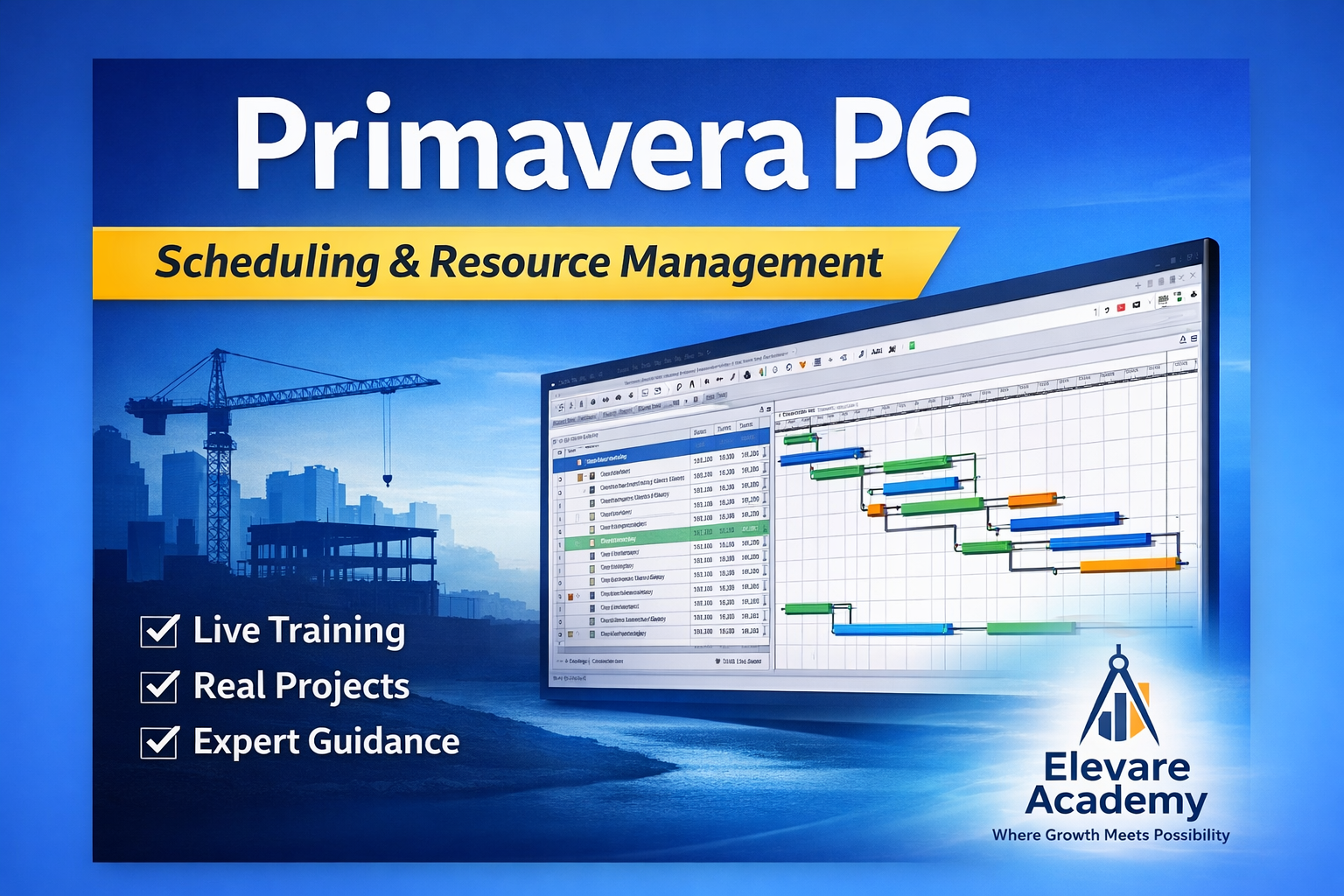
Primavera P6-Scheduling & Resource Management
Wishlist Share

About Course

🚀 Master Primavera P6 – Scheduling & Resource Management

Take full control of your projects with industry-standard planning techniques using Primavera P6.

This course is designed for planning engineers, project managers, and construction professionals who want to build real-world scheduling and resource management skills.


🎯 What You Will Learn

  • ✔ Create professional project schedules from scratch
  • ✔ Develop Work Breakdown Structure (WBS)
  • ✔ Define activities, relationships, and calendars
  • ✔ Perform Critical Path Method (CPM) analysis
  • ✔ Assign and manage resources (labour, equipment, materials)
  • ✔ Perform resource leveling and optimization
  • ✔ Track project progress and update schedules
  • ✔ Generate reports and dashboards

🏗 Course Modules

📘 Module 1 – Introduction to Project Planning

  • Planning fundamentals
  • Role of planning engineer
  • Overview of Primavera P6

📘 Module 2 – Project Setup & WBS

  • Creating a new project
  • Defining calendars
  • Building WBS
  • Best practices

📘 Module 3 – Activity Planning

  • Creating activities
  • Activity relationships
  • Logical sequencing
  • Constraints

📘 Module 4 – Scheduling & Critical Path

  • Schedule calculation
  • Forward & backward pass
  • Critical path identification
  • Float analysis

📘 Module 5 – Resource Management

  • Creating resources
  • Assigning resources
  • Resource curves
  • Optimization techniques

📘 Module 6 – Tracking & Updating

  • Baselines
  • Progress updating
  • Variance analysis
  • Recovery planning

📘 Module 7 – Reports & Dashboard

  • Layouts and filters
  • S-curves
  • Resource histograms
  • Exporting reports

📘 Module 8 – Real Project Case Study

  • Full project scheduling
  • Resource loading
  • Delay analysis basics
  • Practical workflow

👨‍🏫 Who This Course Is For

  • ✔ Planning Engineers
  • ✔ Site Engineers
  • ✔ Project Managers
  • ✔ Civil Engineers
  • ✔ Professionals transitioning into planning roles

💡 Why Choose This Course

  • ✔ 100% practical training (no unnecessary theory)
  • ✔ Real construction project examples
  • ✔ Step-by-step guided workflow
  • ✔ Industry-ready templates included
  • ✔ Designed by experienced planning engineer

🏆 About the Instructor

S Sethusubramanian

Planning Engineer with 27+ years of experience in project planning, scheduling, and delay analysis across India and international projects.

  • ✔ Primavera P6 Expert
  • ✔ EOT & Claims Specialist
  • ✔ Trainer for 100+ professionals

📜 Certification

  • ✔ Certificate from Elevare Academy
  • ✔ Industry-recognized learning outcome
  • ✔ Enhances career opportunities

❓ Frequently Asked Questions

Q: Do I need prior Primavera knowledge?
No, this course starts from basics and progresses to advanced level.

Q: Is this course practical?
Yes, this is a fully practical course with real project examples.

Q: Will I gain job-ready skills?
Yes, you will be able to create and manage real project schedules confidently.


🚀 Start Your Planning Career Today

Master Primavera P6 and become a high-value planning professional in the construction industry.

👉 Enroll now and start building real project schedules with confidence.

🏆 Certificate of Completion

Earn a professional certificate from Elevare Academy upon successful completion of this course.

This certificate validates your skills in Primavera P6 Scheduling & Resource Management and enhances your professional credibility.

Elevare Certificate Preview
  • ✔ Industry-relevant certification
  • ✔ Shareable on LinkedIn
  • ✔ Adds value to your resume
  • ✔ Helps in career advancement
0%
Show More

What Will You Learn?

  • Understand the Primavera P6 interface and navigation
  • • Create Enterprise Project Structures (EPS)
  • • Develop structured Work Breakdown Structures (WBS)
  • • Create and organize project activities
  • • Define activity relationships and project logic
  • • Identify Critical Path activities
  • • Assign and manage project resources
  • • Perform resource leveling and optimization
  • • Create project baselines
  • • Update actual progress and schedule status
  • • Monitor project performance indicators

Course Content

Section 1: Introduction to Primavera P6
This section introduces the fundamentals of Primavera P6, including its interface, project structure, WBS creation, and scheduling foundations. Learners will understand how projects are organized before moving into detailed scheduling and resource management.

  • Lesson 1.1: Overview of Primavera P6 Interface
  • Lesson 1.2: Creating Projects and EPS Structure
  • Lesson 1.3: Understanding Work Breakdown Structure (WBS)
  • Lesson 1.4: Calendars and Scheduling Basics
  • Section 1 – Introduction to Primavera P6.

Section 2: Activity & Schedule Management

Section 3: SCHEDULING
Scheduling is the core engine of project planning. In this module, you will learn how Primavera P6 transforms activity data and logic into a time-based execution roadmap. Building on the previous modules (WBS, Activities, and Logic), this module focuses on how schedules are calculated, analyzed, and optimized to reflect real project timelines. You will gain a deep understanding of: How Primavera calculates activity dates using forward and backward pass How to identify and interpret the Critical Path How to analyze float and project flexibility How to define working time using calendars How to create and use baselines for performance comparison 🎯 Learning Objectives By the end of this module, you will be able to: Run and interpret scheduling calculations (F9) Identify the critical path and understand its impact Analyze total float and negative float Configure calendars for realistic scheduling Create and assign baselines for tracking and claims 📊 Industry Relevance This module is essential for real-world planning engineering, especially in: Construction project scheduling Delay analysis and Extension of Time (EOT) claims Progress monitoring and reporting Contractual planning and dispute resolution 👉 In professional practice, only delays affecting the critical path are considered valid — making this module crucial for career advancement. 💡 Why This Module Matters Without proper scheduling knowledge: A planner cannot identify project delays Reports become unreliable Claims cannot be justified With this module: You gain control over project timelines You understand how delays propagate You build the foundation for high-value planning and claims roles 🚀 Outcome of This Module After completing Module 3, you will be able to: Develop a fully scheduled project Interpret critical path and float Analyze delays and schedule impact Prepare schedules suitable for client submission and claims analysis

Section 4 – RESOURCE MANAGEMENT
Resource Management in Primavera P6 transforms a schedule into a real execution plan. In previous modules, you created: Activities Logic Schedule 👉 In this module, you will add real-world constraints: Labour Equipment Materials Costs This enables: Resource planning Cost estimation Productivity tracking Resource leveling 🎯 Why This Module is Critical Without resources → schedule is only theoretical With resources → schedule becomes execution-ready 📊 Industry Relevance Used for manpower planning Required for billing & cost control Essential for EVM (Earned Value Management) Critical in delay & disruption claims

Section 5 – TRACKING & PROGRESS UPDATING
Tracking is the process of updating the project with actual site progress and comparing it against the baseline schedule. In real projects: Planning creates the roadmap Tracking shows where you actually are 🎯 What You Will Learn Updating actual start & finish Recording progress (% complete) Comparing Planned vs Actual Earned Value concepts (SPI, CPI) Identifying delays and recovery strategies 📊 Industry Importance Required for weekly/monthly reports Essential for client meetings Critical for EOT claims Used in billing & cost tracking

Section 6 – REPORTING & DASHBOARDS
Reporting in Primavera P6 is the process of converting project data into clear, structured, and decision-ready information. In real projects: Engineers execute Planners analyze Clients understand through reports 🎯 What You Will Learn Creating and saving layouts Applying filters and grouping Generating reports Exporting data (Excel/PDF) Creating dashboards 📊 Industry Importance Weekly progress reports Client presentations Management dashboards Claim documentation (EOT support) 👉 A planner’s value is often judged by how clearly they present data

Section 7 – CLAIMS & EXTENSION OF TIME (EOT)
Construction projects rarely finish on time due to: Delays Variations External factors 👉 This module teaches how to: Identify delays Analyze their impact Prepare Extension of Time (EOT) claims Use Primavera P6 as legal/contractual evidence 🎯 What You Will Learn Types of delays Critical vs non-critical delays Time Impact Analysis (TIA) Preparing EOT claims Claim documentation 📊 Industry Importance Used in contract disputes Required for EOT approvals Essential for claims consultants & planners High-income skill in planning domain

Section 8 – Full Case Study (End-to-End Project)
This module simulates a real construction project lifecycle using Primavera P6. Students will: Create a complete project from scratch Develop schedule with logic Assign resources and costs Track progress Perform delay analysis Generate final reports 👉 This is where theory becomes practical expertise 🎯 Learning Outcome After this module, students can: Independently handle a real project Prepare schedules for clients Perform tracking and reporting Support claims and EOT 📊 Industry Value Mirrors real planning engineer workflow Can be shown in interviews Builds portfolio-level experience

Section 9: Primavera P6 Professional Certification Preparation & Career Guidance
Prepare students for Primavera P6 professional certification exams, provide tips for practical application, and guide on career growth as a Planning Engineer or Scheduler.

Section 10: Capstone Project & Practical Application
Enable students to apply all learned Primavera P6 concepts (Sections 1–9) in a complete, practical project scenario, integrating scheduling, resources, costs, baselines, risk analysis, dashboards, and reporting.

Section 11: Professional Project Controls & Advanced Techniques
Enable students to implement professional project controls, apply advanced scheduling techniques, monitor project performance, and provide strategic insights using Primavera P6 for large-scale projects.

Section 12: Capstone Integration, Professional Portfolio & Industry Readiness
Enable students to integrate all Primavera P6 knowledge and skills into a professional portfolio, demonstrate competency through capstone projects, and prepare for industry-ready roles in project planning and controls.

Section 13: Advanced Primavera P6 Tips, Tricks & Industry Case Studies
Provide learners with expert-level tips, shortcuts, advanced functionalities, and real-world case studies to enhance efficiency, decision-making, and strategic project controls using Primavera P6.

Resources / Downloads
All course materials, PDFs, XER files, and study guides are available here. Click the links below to download.

PRIMAVERA P6 CALENDAR FORENSIC AUDIT FRAMEWORK (PCFAF)

Assignments

Student Ratings & Reviews

No Review Yet
No Review Yet
Scroll to Top